YouTube Analytics Pipeline
6 channels
Scraped, modelled and compared through the YouTube API, and refreshing on its own in Microsoft Fabric.
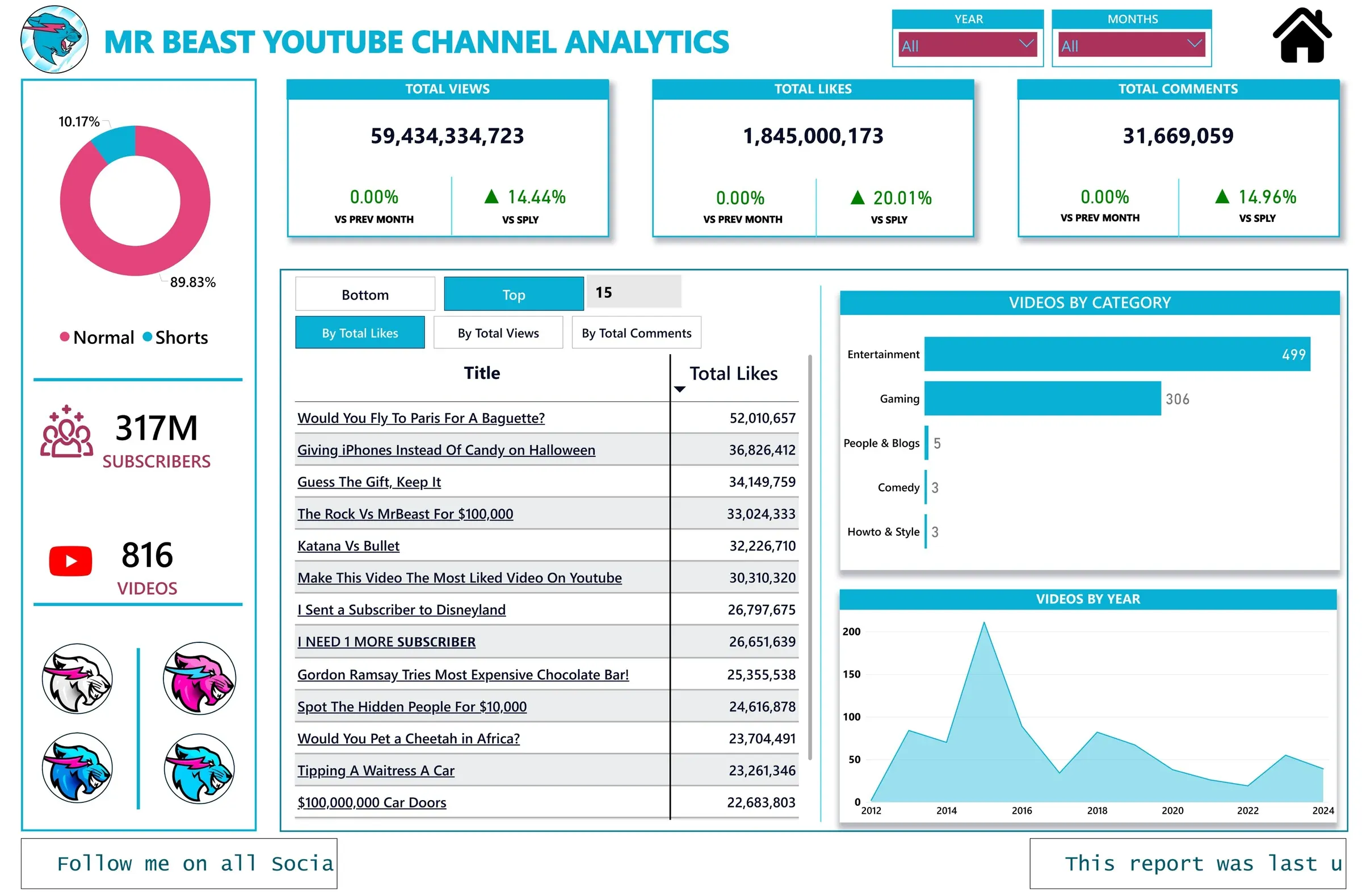
An automated pipeline that collects video and channel statistics for six YouTube channels, models them, and serves a Power BI report that refreshes itself in Microsoft Fabric.
The question
My younger brother asked how many likes MrBeast had collected across his whole channel. Answering that properly means collecting every video, not reading one total, so I built it for six channels instead of one.
Collecting the data
A Python script calls the YouTube Data API for each channel and collects every video’s ID, publish date, title, category, duration, views, likes, favourites and comments, along with each channel’s subscriber count. Video records land in MySQL, subscriber counts in a CSV file, and the category names come from a web source.
The API has strict daily quotas, so the script batches its requests to stay under them. Indexes on the MySQL tables keep the report quick as the history grows.
Shaping it for analysis
YouTube returns durations in ISO 8601 and timestamps in mixed formats. I converted durations to seconds, normalised the dates, handled missing values, and added an engagement rate:
engagement rate = (likes + comments) / views
Moving it to Microsoft Fabric
The first version refreshed through an on-premises data gateway, which meant my laptop had to be on. I ported the whole pipeline to Microsoft Fabric. Data Factory runs the extraction on a schedule, the data lands in a Lakehouse with incremental loads, and the report refreshes from it in the Power BI Service. It has run end to end in the cloud ever since, with no local machine involved.
The report
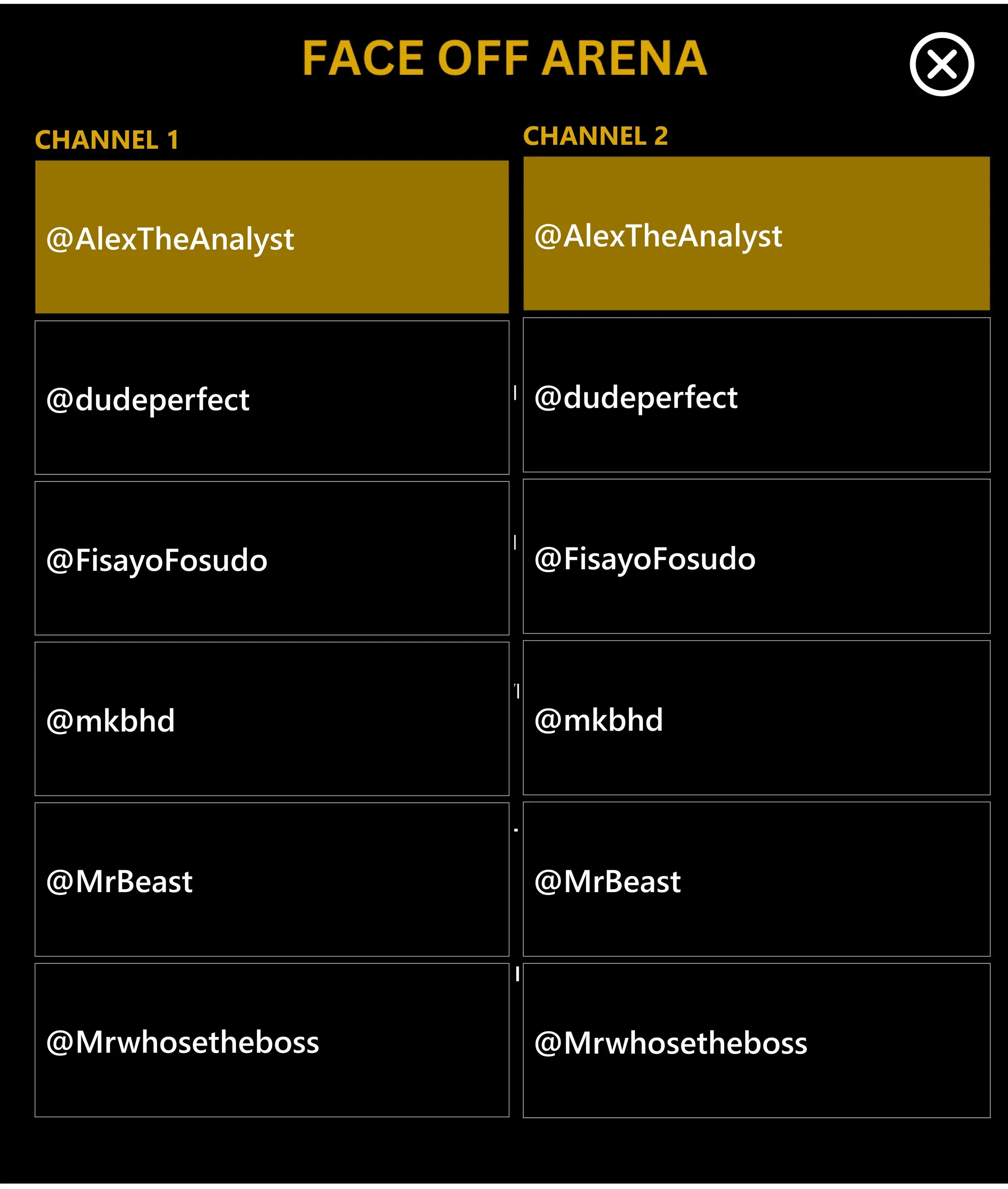
The home page leads to a page for each channel and to the Face-Off Arena. A channel page shows how the channel has grown, its most and least engaging videos, and how often it posts against how well those videos do. The Face-Off Arena lets you pick any two channels and compare likes per video, subscriber growth and engagement side by side.

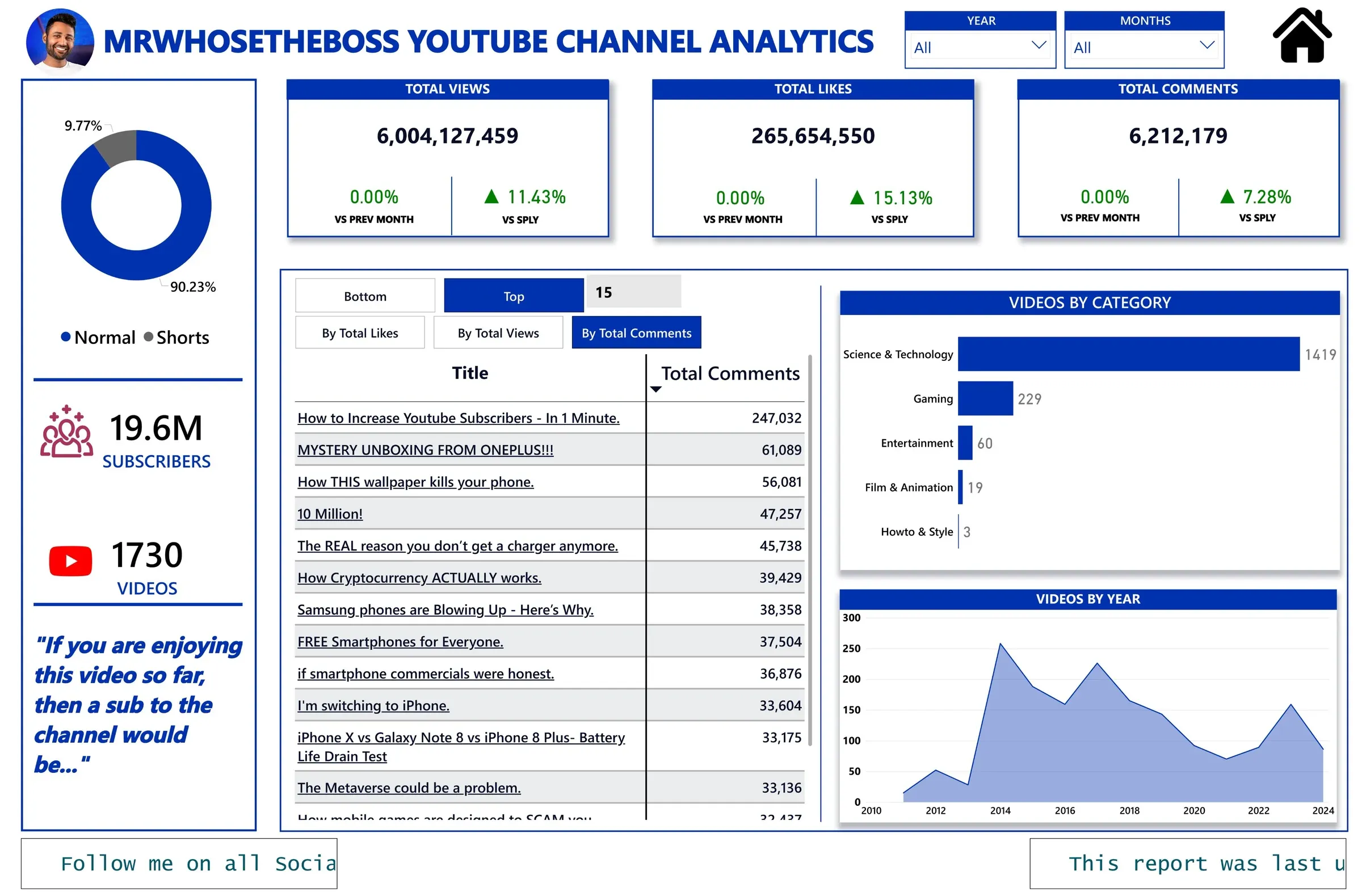
The live dashboard
The report as published in Power BI. Use the arrows at its foot to move between pages.